 heka
Use your DualSense or DualShock 4 as an Xbox or PS4 controller in Windows games.
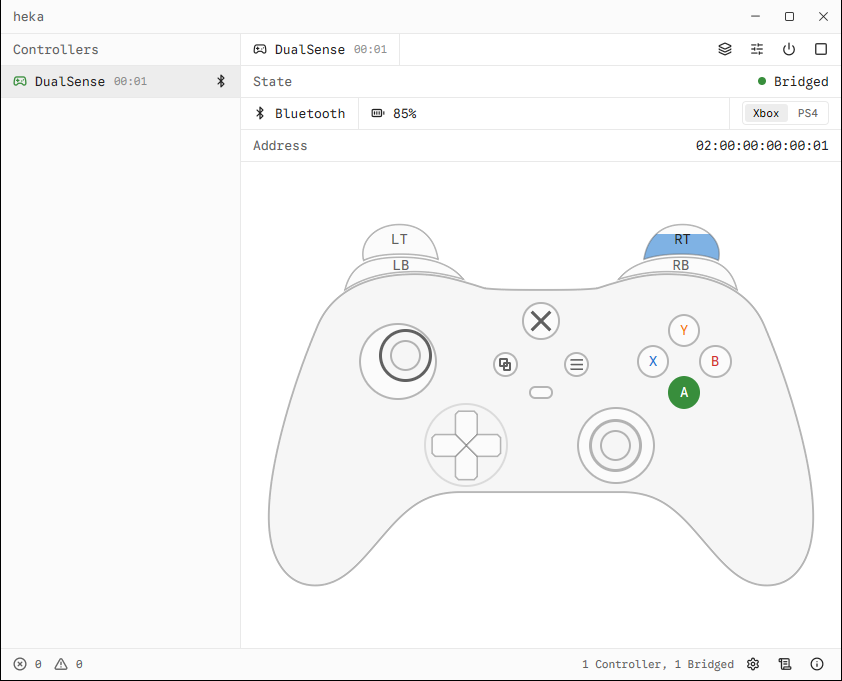
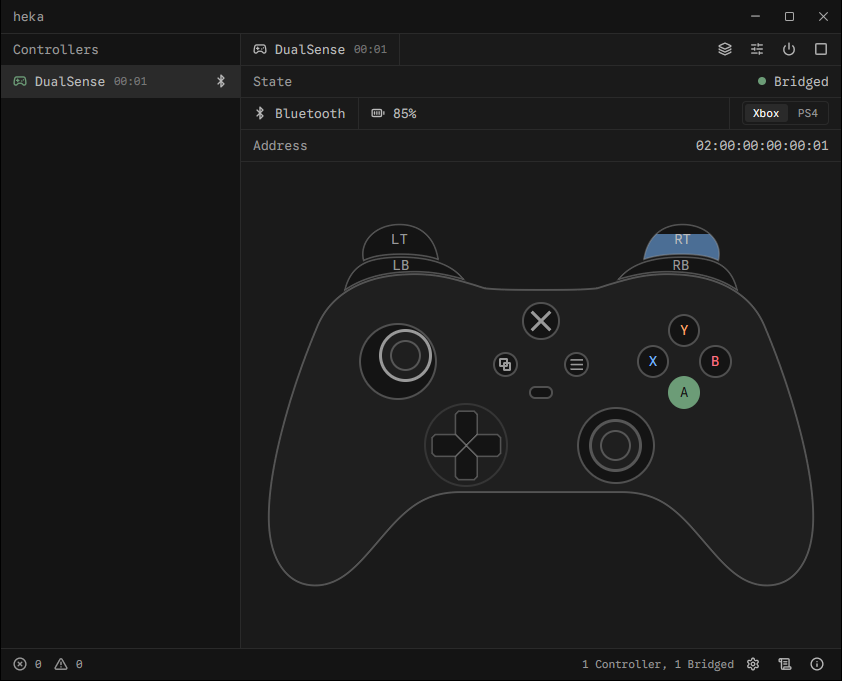
heka is a tray app. It creates a Virtual Controller that games see in place of your Controller, and Hides the real one so they do not see it twice.
- Windows 10 or 11, 64-bit
- Portable zip, no installer
- Free and open source, no telemetry
Install heka
Install the drivers
Use their official installers, and restart Windows if asked.
- ViGEmBusRequiredCreates the Virtual Controllers. Its author retired it in 2023, so it gets no further updates.Get ViGEmBus
- HidHideRecommendedHides Controllers from games. Without it, games may see each Controller twice.Get HidHide
Download and extract heka
Extract the zip to a folder you will keep.
Close other controller tools
DS4Windows, DualSenseX and Steam Input compete with heka. See conflicts.
Run heka.exe
It is not code signed, so Windows SmartScreen may warn the first time: choose More info, then Run anyway.
Connect your Controller
It is Bridged automatically, as an Xbox controller until you choose otherwise. To pair over Bluetooth, hold PS and Create (DualSense) or PS and Share (DualShock 4) until the light bar flashes, then add it in Windows' Bluetooth settings.
DualShock 4 support is experimental. It has never been tried on a real one. Report what works and what does not.