 heka
Using heka
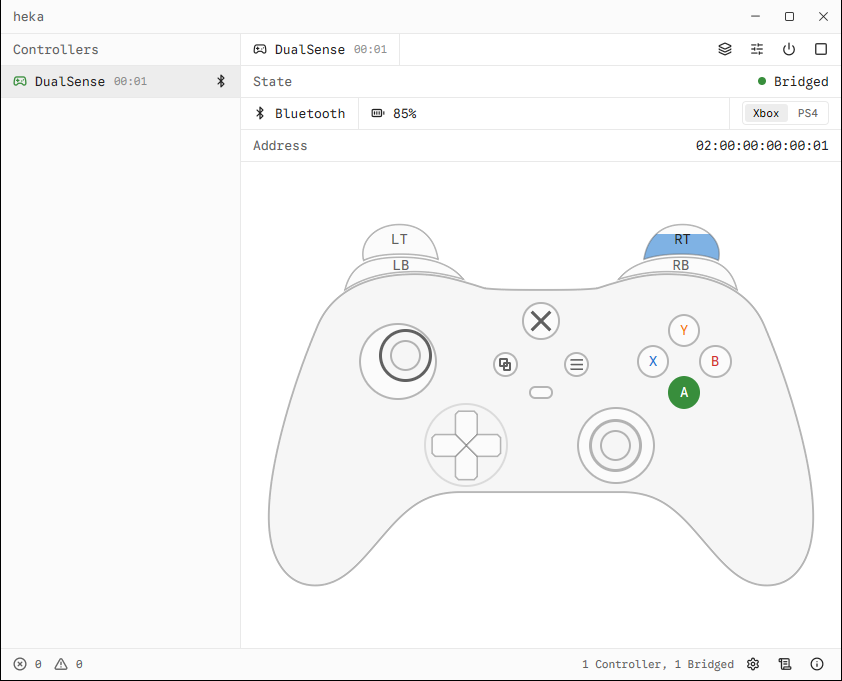
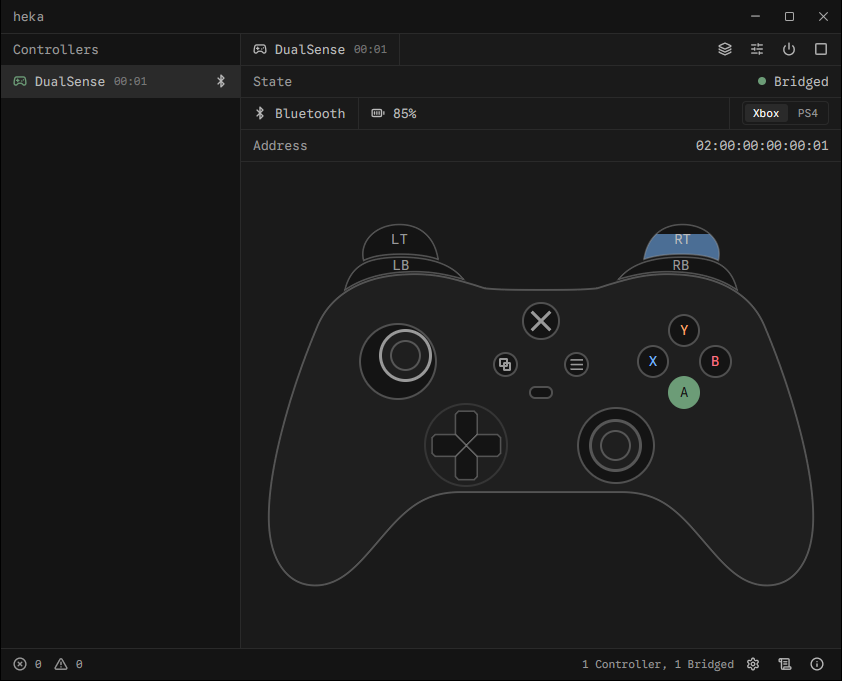
The window lists the Controllers on the left. Select one to see its state, Active Link, battery level and a live drawing of its input, and to choose:
- Its Output Type, what its Virtual Controller is: Xbox (Xbox 360) or PS4 (DualShock 4). Changing it replaces the Virtual Controller, so a running game may need to be restarted. A Profile may set its own, which applies while it is chosen.
- Its Profile, behind the layers button.
- Stop and Start, the button at the top right. A Stopped Controller is not Bridged, and games see it as it is. heka still shows its input and battery.
- Turn off, the power button beside it, for a Controller on Bluetooth. It ends the Bluetooth Link, which switches the Controller off, and removes its Virtual Controller at once. A Controller also on USB carries on over USB. Press PS to connect again.
- Its settings.
heka remembers the Output Type, Stop, Profile and settings for each Controller. Up to 4 can be Bridged at once; a fifth is listed, with its input and battery, but not Bridged.
| Xbox | PS4 | |
|---|---|---|
| Buttons, sticks and triggers | yes | yes |
| Rumble | yes | yes |
| Lightbar colour chosen by the game | no | yes |
| Touchpad, gyroscope and accelerometer | no | yes |
With the Default Profile and the Xbox Output Type, Create (Share on a DualShock 4) is View, Options is Menu and PS is Guide, and the touchpad click does nothing. The mute button does nothing with either Output Type. A Profile can change what each button does.
A Controller connected over both USB and Bluetooth is listed once, and heka reads it over USB. A Controller that loses both is Held for 30 seconds: its Virtual Controller stays, with everything released, and carries on when the Controller returns.
Log and About
The last two buttons at the right of the status bar open them; press the same button again, or select a Controller, to go back.
- Log lists what heka did in this run, newest first. Copy log puts it on the clipboard and Open log folder shows the log files. See The log.
- About heka shows the version, the licenses and a link to this repository.